Higher DPI places more print dots within an inch, but does not automatically fix a low-quality source, bad scaling, or unsuitable stock. Choose resolution around the actual label design.
A resolution upgrade can matter for fine content, yet it is not a substitute for a well-formed document. Before paying for more dots, identify whether the limitation is your source file, template, stock, print settings, or the printer’s native resolution. This guide compares specifications rather than claiming hands-on results.
What the numbers mean
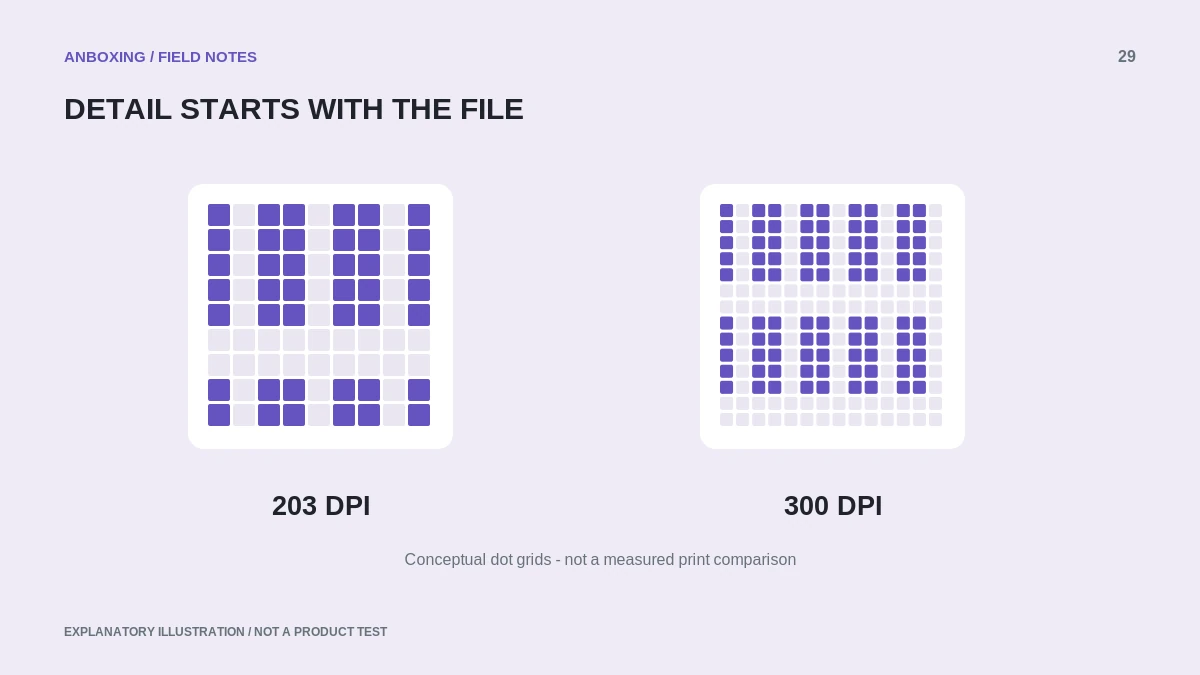
DPI means dots per inch. Across a nominal four-inch span, 203 DPI corresponds to 812 dots, while 300 DPI corresponds to 1,200. These are arithmetic examples, not a guarantee that a particular printer can use the full width of a four-inch label.
| Question | 203 DPI | 300 DPI |
|---|---|---|
| Dots across a nominal 4 inches | 812 | 1,200 |
| Basic implication | Fewer dot positions per inch. | More dot positions per inch. |
| What still matters | Source, dimensions, stock, settings, and verification. | The same factors; higher resolution does not remove them. |
| What not to assume | Every small barcode will meet its requirements. | Every screenshot or shrunken barcode becomes acceptable. |
Design requirements come first
Zebra’s resolution guidance associates different resolutions with different levels of detail and explains that a resolution-dependent design can change size when sent to a printer with another DPI. Use the correct printer and template settings rather than assuming an old raw layout will transfer unchanged.
For a shipping label, preserve the original platform document. For a self-designed inventory label, identify the barcode and text requirements before choosing a printer. A smaller label may demand more careful design; it is not permission to shrink every element arbitrarily.
Do not confuse three controls
- Resolution: the native printhead specification and how the template is prepared for it.
- Darkness: a model-dependent control affecting the printing process; it does not add native dots.
- Speed: how quickly the printer operates under its settings; reducing it does not change the hardware’s DPI.
The best operational settings depend on the specific device and media. Compare its documented specifications, not numbers from a different product family.
A sensible upgrade test
Create a small evaluation set from the labels you actually need: a standard shipping document, the smallest text you intend to use, and the most demanding supported barcode design. Use original files and appropriate templates. Compare complete output, handling, and the relevant verification requirements.
A higher-resolution printer cannot reconstruct detail discarded by a compressed screenshot. Fix the source before interpreting any hardware comparison. Also check whether the new model supports the same device, connection, stock, and application.
Why examples from industrial printers need context
Published printer specifications can show different speed, width, and barcode limits at different resolutions. Those specifications apply to the named product, not all label printers. For example, Zebra publishes separate resolution-dependent values for its ZT211 industrial model.
Use such specifications to learn which questions to ask, then read the specification for the model you will buy. Do not copy an industrial device’s throughput into a desktop-printer comparison.
Common questions
Is 300 DPI always necessary for shipping labels?
Not as a universal rule. The document, barcode requirements, stock, and printer’s supported workflow must be considered together.
Will printing slower make my 203-DPI printer a 300-DPI printer?
No. Slower printing may change output quality under some conditions, but the native printhead resolution does not change.
Sources & scope
Source-based editorial guide. Official documentation checked September 6, 2026. No hands-on product testing is claimed. Interfaces and compatibility can change; use the current instructions for your exact model.
Illustrations explain a workflow or concept and are not evidence of product testing. Read the label-printer editorial policy.