A dedicated label printer is not automatically cheaper for occasional shipping. Compare the incremental purchase cost, usable label cost, and time actually saved in your workflow.
If an existing office printer already handles your shipments acceptably, its purchase cost is largely a past expense, not a fresh saving to claim. This comparison focuses on the decision in front of you: the added cost and convenience of a dedicated label workflow. No current product prices or hands-on performance results are assumed.
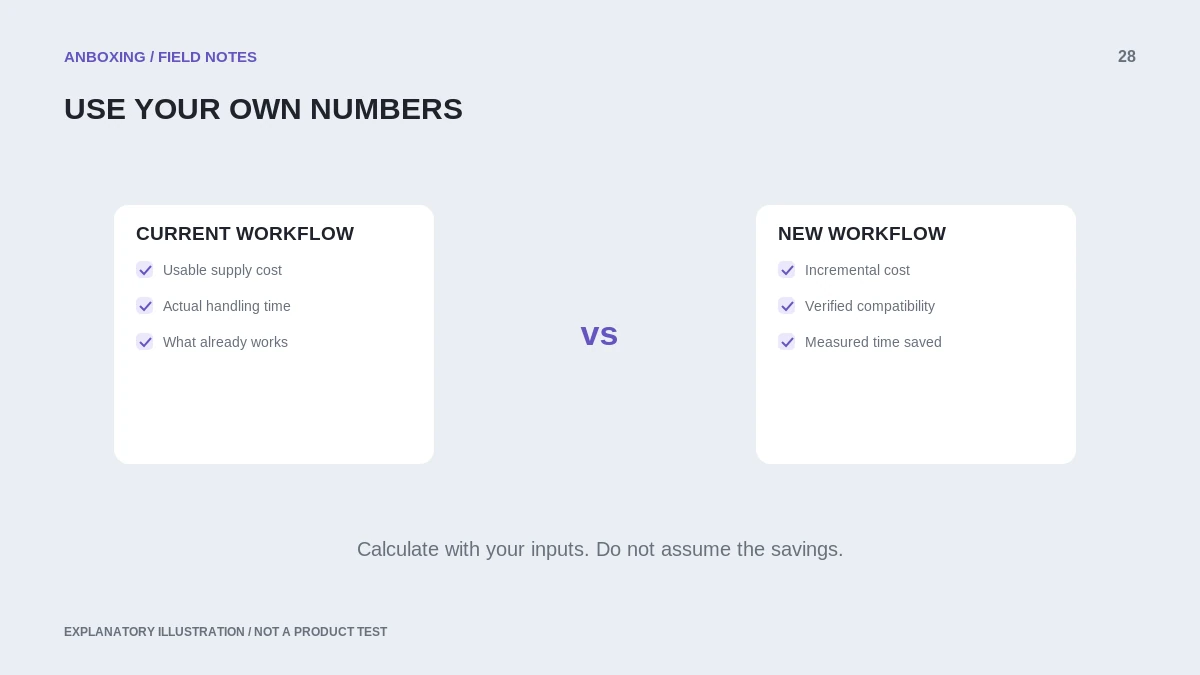
Compare complete workflows
| Factor | Existing office printer | Dedicated thermal-label printer |
|---|---|---|
| Upfront change | May need little new hardware if the current setup works. | New printer and possibly accessories. |
| Supplies | Compatible paper or label sheets plus ink or toner. | Supported thermal labels; ribbon only if the technology requires it. |
| Other documents | Can serve office-document tasks too. | Primarily sized for the supported label workflow. |
| Handling | Your actual print, trim, peel, and attach steps. | Your actual feed, peel, and attach steps. |
| Compatibility | Platform document and paper format. | Device, app, connection, stock, and document format. |
Both eBay and Shopify document printing paths that are not limited to buying a thermal printer. Confirm what your actual platform and shipment support before treating a new machine as mandatory.
Use your own break-even inputs
The calculator below uses an incremental printer purchase cost, monthly label volume, supply costs per usable label, time saved per label, and an optional hourly value for that time. The starting numbers are illustrative input examples, not market prices or measured performance. Set the time value to zero for a supplies-only comparison.
Understand the calculation
Monthly estimated savings = labels per month multiplied by ((old supply cost minus new supply cost) plus (seconds saved divided by 3,600 multiplied by hourly time value)). Estimated break-even months = incremental purchase cost divided by positive monthly savings.
This simplified model excludes financing, taxes, maintenance, downtime, electricity, and resale value. It also assumes stable volume and that the stated time saving is real. It is a planning illustration, not a promise that saved seconds turn into cash.
Measure instead of guessing
- Time a small sample of your current complete process, not only the printer’s moving-paper time.
- Count wasted sheets and failed labels when estimating usable supply cost.
- Test the proposed workflow with the same kind of document and parcel.
- Separate setup time from repeat-use time.
- Run a low-volume and a higher-volume scenario.
- Ask whether the convenience is worth the purchase even if the financial break-even is slow.
Reasons not to switch yet
Keeping the existing printer may make sense when shipping is infrequent, the supported paper workflow is satisfactory, or the new printer’s device compatibility is uncertain. The next improvement may be a better template, clearer presets, or a tidier packing area rather than new hardware.
Conversely, a dedicated workflow may be useful when your measured handling time, repeated stock changes, or operational needs justify it. Make that decision from your own tests and costs, not a generic claim that every small business needs one.
Common questions
How many labels per month justify buying a thermal printer?
There is no universal threshold. Use incremental cost, actual supplies, and measured handling time to compare your own scenarios.
Does the calculator include postage savings?
No. It compares printing-related inputs only. Postage and carrier discounts are separate from the printer’s physical label output.
Sources & scope
Source-based editorial guide. Official documentation checked September 6, 2026. No hands-on product testing is claimed. Interfaces and compatibility can change; use the current instructions for your exact model.
- eBay: printing and canceling shipping labels
- Shopify: shipping-label requirements
- Zebra: direct thermal versus thermal transfer
Illustrations explain a workflow or concept and are not evidence of product testing. Read the label-printer editorial policy.