Choose the printing workflow first, then the connection. USB, Bluetooth, Wi-Fi, and AirPrint are not interchangeable promises of app or operating-system compatibility.
A printer described as wireless can still require a particular app or have different support on a phone and a laptop. Before comparing appearance or advertised speed, write down exactly where your labels come from and which device will send them. This is a specification-based comparison, not a hands-on ranking of products.
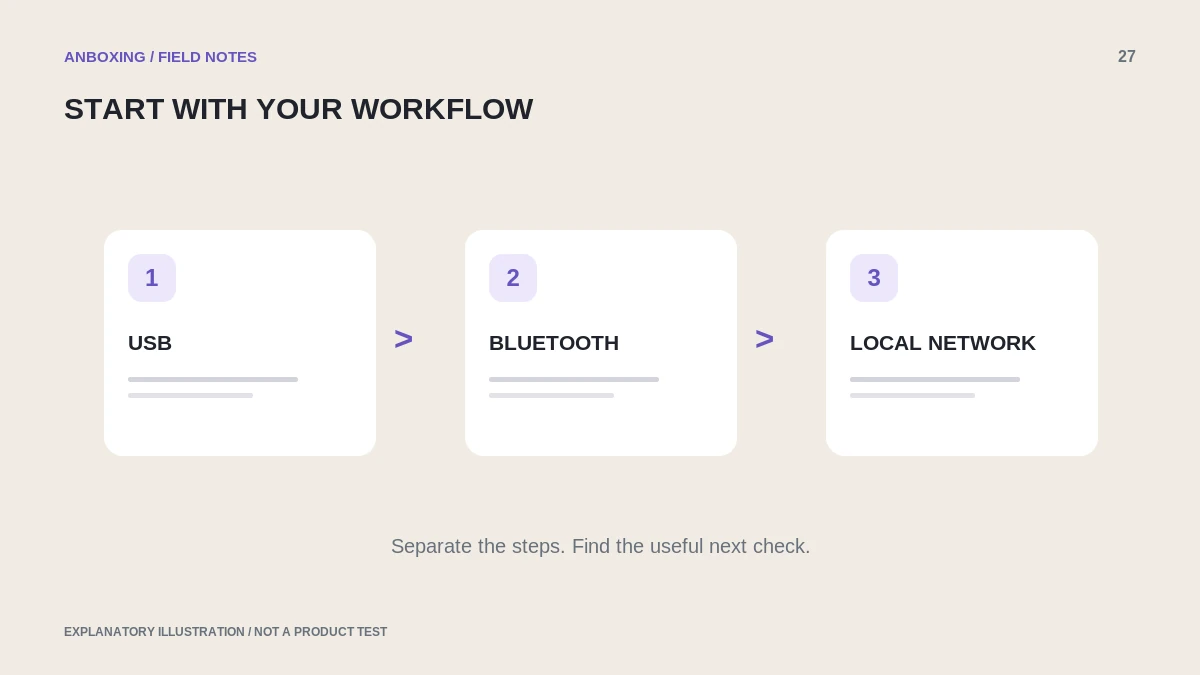
Compare the three connection patterns
| Connection | A useful starting use case | What to verify |
|---|---|---|
| USB | One main packing computer near the printer. | Supported operating system, driver, cable path, and adapter if needed. |
| Bluetooth | A documented phone-app or supported computer workflow. | Exact model, required app or driver, file import, and processor support. |
| Wi-Fi or Ethernet | A supported local-network workflow across appropriate devices. | Network setup, discovery, printing protocol, and application support. |
These are decision prompts, not guarantees of reliability. A poorly supported USB workflow can be worse than a well-supported network one, and a wireless workflow can be unnecessarily complex for a single fixed computer.
AirPrint is a separate compatibility question
Apple’s native AirPrint workflow requires a compatible network printer. A device having Bluetooth does not mean it will appear in the iPhone’s native Print list. Verify the protocol in the exact model documentation, not just a wireless badge on a listing.
For an app-based workflow, ask whether the app can import your platform’s original document without altering its proportions. A product can support an operating system through one app without supporting every application on that operating system.
Model suffixes and processor types matter
MUNBYN’s ITPP130B guidance distinguishes Bluetooth from its USB variants and documents limits for the referenced Windows Bluetooth driver. It also directs Mac users to a different connection route. That is an example of why you need model-specific confirmation, not a universal conclusion about the whole brand.
Use this pre-purchase workflow test
- Name the source platform and document type you will print.
- List the phone or computer model, operating-system version, and relevant processor architecture.
- Specify the intended connection and any adapter or shared network.
- Find official documentation covering that exact route.
- Confirm label dimensions, stock requirements, and the print options exposed by the app.
- Check whether the seller’s return terms allow you to evaluate the intended workflow.
- After purchase, test one complete order process before reorganizing the packing station.
Choose simplicity you can maintain
For a fixed one-computer station, a supported direct connection may be the simplest arrangement to document. For several authorized devices, a supported network workflow may make sharing more convenient. A phone-first operation should prioritize the complete document-import and print sequence over a broad wireless claim.
Also decide who will maintain the setup after an app, router, or operating-system change. Save a known-good sample and a clear diagram of the working route. A connection that only one person can reproduce is an operational risk, even when it works today.
Common questions
Is Wi-Fi always faster than Bluetooth?
Do not infer print throughput from the connection name alone. Document handling, implementation, printer speed, and workflow all matter.
Can a USB printer become AirPrint-compatible just by connecting it to a computer?
Not automatically. A supported sharing solution would be a separate requirement; do not assume native AirPrint support from the USB connection.
Sources & scope
Source-based editorial guide. Official documentation checked September 6, 2026. No hands-on product testing is claimed. Interfaces and compatibility can change; use the current instructions for your exact model.
- Apple: print from iPhone or iPad with AirPrint
- MUNBYN: ITPP130B Windows Bluetooth setup
- Microsoft: add or install a printer
Illustrations explain a workflow or concept and are not evidence of product testing. Read the label-printer editorial policy.