Direct thermal prints on heat-sensitive material without a ribbon. Thermal transfer uses a compatible ribbon and media combination. Check the printer technology before buying supplies.
Thermal is a family description, not a promise that every roll works in every machine. A label can have the right dimensions and still use the wrong printing technology. Start with the printer model, then match the material and the job’s durability needs.
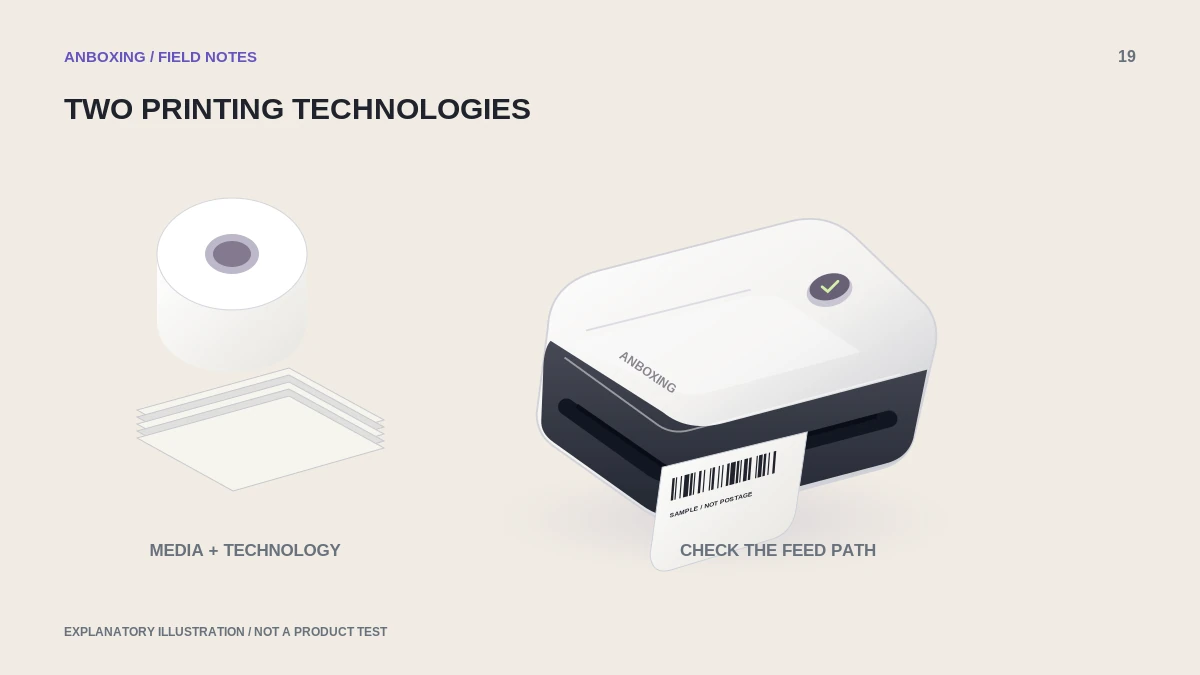
The essential difference
Zebra distinguishes direct thermal, which marks heat-sensitive stock, from thermal transfer, which uses a heated ribbon to create the image. The correct material and, where required, ribbon must be matched to the printer and application.
| Question | Direct thermal | Thermal transfer |
|---|---|---|
| How is the image made? | Heat changes the label’s coating. | Heat transfers material from a ribbon. |
| Is a ribbon required? | No. | Yes, for thermal-transfer printing. |
| What should you verify? | Supported heat-sensitive stock and intended exposure. | Printer support, media, ribbon type, and the complete application. |
| What is the purchasing mistake? | Buying ordinary or thermal-transfer-only stock. | Buying a ribbon and media that are not a compatible pair. |
Choose around the job, not the marketing label
Describe how the label will be used: how long it must remain readable, whether it will face heat or sunlight, what surface it must adhere to, and whether it will be rubbed or exposed to moisture. These questions create a more useful buying brief than asking for the best thermal paper.
For a parcel label, the required life and handling conditions differ from an asset tag meant to last for years. Do not extrapolate a successful indoor desk test to outdoor storage or another demanding environment. Ask the stock supplier for a specification appropriate to the real application.
Read the printer and stock descriptions together
- Identify the exact printer and supported printing mode.
- Check whether it is direct-thermal-only or supports another documented mode.
- Read the stock description for printing technology, dimensions, detection method, and handling requirements.
- For thermal transfer, verify the compatible ribbon specification too.
- Buy a small evaluation quantity when changing an unfamiliar supply.
- Test the complete label on the intended surface and under relevant conditions before committing to bulk stock.
Compatibility has more than one layer
Technology is only the first check. Width, roll diameter, liner, gap or mark detection, and any brand-specific recognition system can also matter. DYMO’s current LabelWriter 5-series guidance, for example, restricts those models to its specified authentic labels. That is why a general thermal-paper description is insufficient.
Keep the material’s original packaging and product identifier. If a replacement batch behaves differently, those details help the supplier determine whether you received the intended stock.
A practical purchasing note
Write a short requirement sheet before ordering: printer model; label face and liner dimensions; detection method; roll or fanfold path; adhesive surface; environment; and required readable life. Ask the seller to confirm each item rather than relying on a product title containing compatible.
Do not load an unknown ribbon into a printer that was not designed to use one. When the model’s supply path is unclear, check its official documentation before opening or modifying the mechanism.
Common questions
Does direct thermal mean there are no consumables?
No. It eliminates an ink, toner, or ribbon requirement for that printing process, but labels and maintenance supplies still have a cost.
Can I use thermal-transfer stock in a direct-thermal-only printer?
Do not assume it will print. Match the specified technology; the wrong stock can feed through without producing the intended image.
Sources & scope
Source-based editorial guide. Official documentation checked September 6, 2026. No hands-on product testing is claimed. Interfaces and compatibility can change; use the current instructions for your exact model.
Illustrations explain a workflow or concept and are not evidence of product testing. Read the label-printer editorial policy.