Rollo supports appropriate third-party direct-thermal labels, but the material, size, sensing, and feed path still need to match. Any brand does not mean any stock.
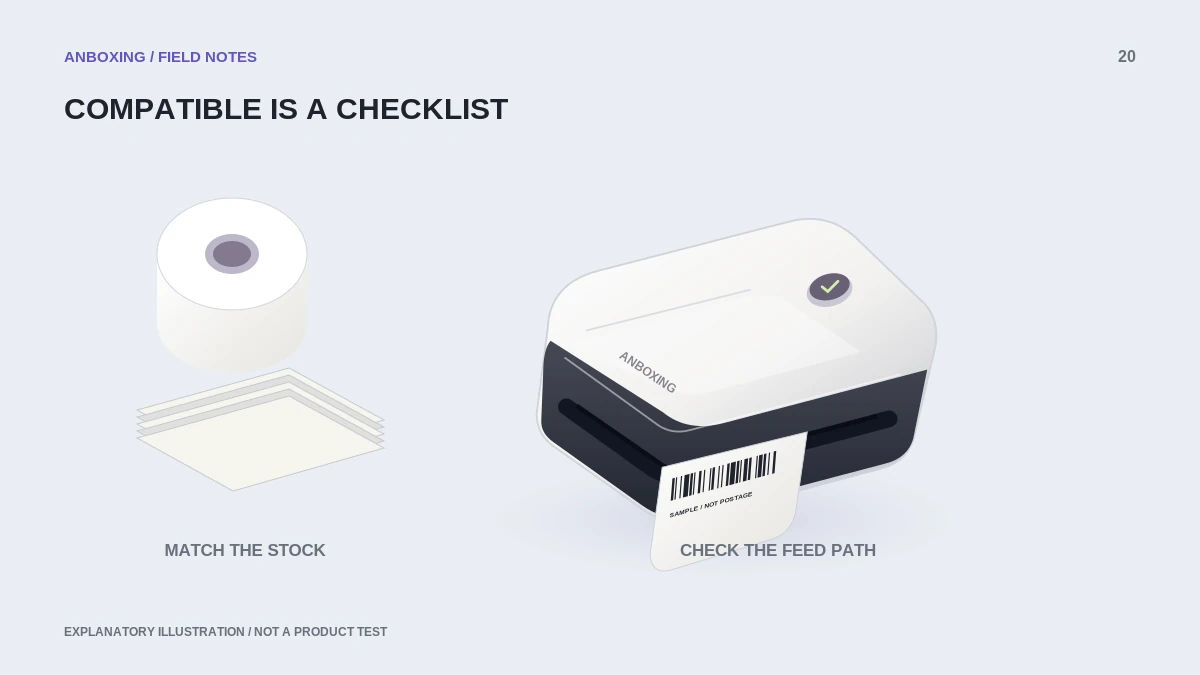
The safest way to shop for replacement labels is to turn compatible into a checklist. Confirm the exact printer model, read the supplier specification, and test a small quantity before moving a packing operation to an unfamiliar batch.
What Rollo currently specifies
Rollo’s compatibility guidance describes direct-thermal paper labels, supported sizes, and appropriate label separation. It cautions against transparent film and problematic sensing formats, and supports both rolls and fanfold stock. Its width guidance lists 1.57 to 4.1 inches for the covered printers; verify your exact model and supply before buying.
Treat an online listing that says fits most printers as a starting claim to verify, not a completed compatibility check. Keep the SKU and packaging for any successful test batch.
Use this buying checklist
| Check | What you need to establish |
|---|---|
| Printing technology | Direct-thermal stock suitable for the exact model. |
| Dimensions | Label face and liner fit the supported range and your document format. |
| Detection | The model can identify boundaries with the supplied gap or other supported method. |
| Material | The model supports the stock’s opacity and surface. |
| Feed arrangement | The roll or fanfold pack can enter straight without obstruction. |
| Application | Adhesive and durability suit the parcel surface and handling conditions. |
Why some apparently similar labels fail
Two supplies sold as shipping labels can differ in face material, liner, gap, roll construction, or sensing marks. A failure after switching suppliers does not automatically prove the printer has broken. Compare the new stock with a known-supported sample while keeping the same file and settings.
A document problem can also impersonate a stock problem. If a manufacturer sample fits but a marketplace label prints tiny, changing label brands is unlikely to be the most useful next experiment. Check the source page and print format first.
Test a replacement supply deliberately
- Keep a small amount of your successful stock as a comparison.
- Record the replacement supplier, product identifier, and measured dimensions.
- Load according to the model guide and perform its media-learning routine when required.
- Print a known-good sample and observe boundary detection and alignment.
- Inspect an actual label for complete text and clear barcode spaces.
- Evaluate adhesion on the intended clean surface using supplier guidance.
- Only then decide whether to purchase in bulk.
Do not generalize Rollo compatibility to other brands
Brand recognition can be a separate requirement. DYMO’s LabelWriter 550 is specified for its branded labels, while the Zebra ZSB guidance describes its own cartridge-based supply requirements. Rollo’s third-party-label policy is not evidence that those systems accept the same stock.
For a business with multiple printers, label storage bins by both stock size and verified model. That simple distinction helps prevent a supply change from becoming an unexplained printing failure.
Common questions
Can I use another brand's direct-thermal labels?
Rollo allows suitable third-party direct-thermal stock, subject to its model and media requirements. Confirm the complete specification rather than only the brand.
Will clear stickers work because the size is correct?
Do not assume so. Material transparency can affect sensing, and Rollo’s current guidance cautions against transparent film stock.
Sources & scope
Source-based editorial guide. Official documentation checked September 6, 2026. No hands-on product testing is claimed. Interfaces and compatibility can change; use the current instructions for your exact model.
- Rollo: label materials and compatibility
- Rollo: supported label width
- DYMO: LabelWriter 550 label requirements
- Shopify: Zebra ZSB label requirements
Illustrations explain a workflow or concept and are not evidence of product testing. Read the label-printer editorial policy.