Start with the printer you already own and the number of labels you really ship. Convenience can justify a thermal printer, but automatic cost savings should not be assumed.
An occasional seller has a different problem from a warehouse. The purchase needs to work after periods of inactivity, fit the available space, and connect to the device you actually use without creating a new subscription dependency.
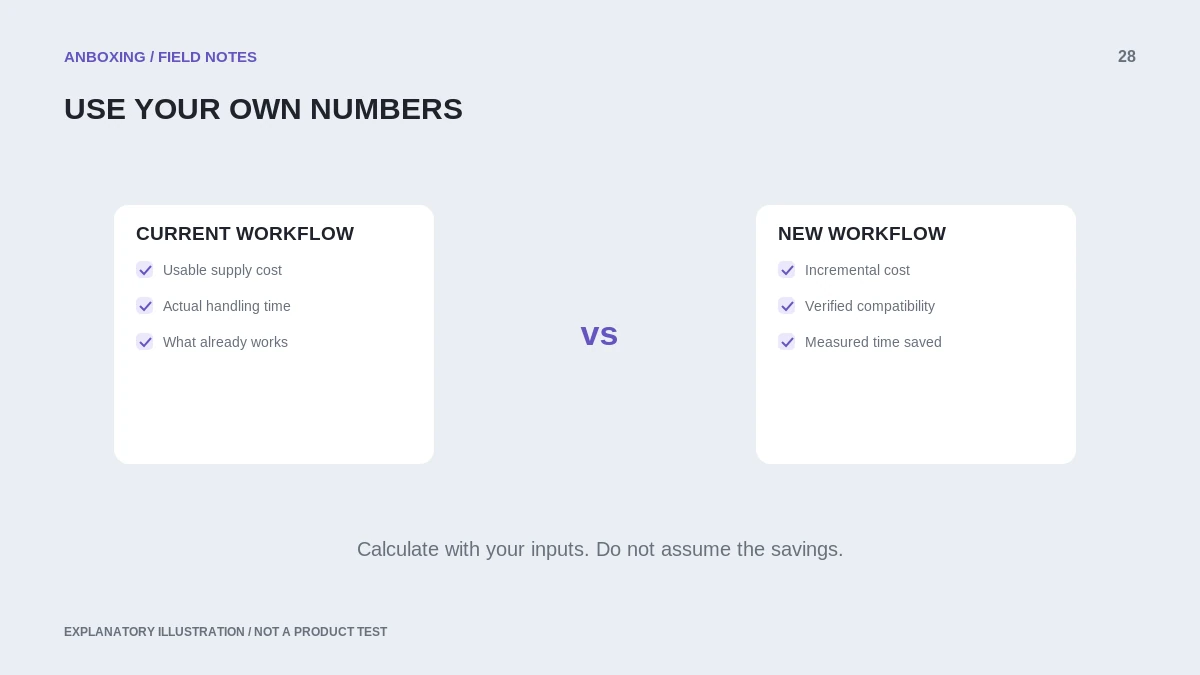
Count the whole workflow
Write down your normal monthly label count and your busiest plausible month. Include the time you spend opening files, selecting paper, cutting or peeling labels, and applying them. Avoid using an imagined future shipping volume to make the purchase look economical.
Compare that with the proposed thermal workflow: device support, app requirements, label stock, available space, and the steps needed to start printing after a break. A dedicated printer is only convenient when those steps fit your routine.
Use a simple cost comparison
| Cost or constraint | Existing printer | Proposed thermal printer |
|---|---|---|
| Upfront equipment | Use the cost of equipment you still need, not a sunk purchase. | Printer plus required accessories. |
| Per usable label | Paper or label sheet, ink/toner allocation, and normal waste. | Compatible stock and normal waste. |
| Connection | Already working, or additional setup needed. | Verify your exact phone, tablet, Chromebook, or computer. |
| Space | Existing footprint plus label supplies. | Printer plus stock holder and feed clearance. |
As a hypothetical example, an $80 incremental purchase with a measured saving of four cents per usable label needs 2,000 labels to recover that purchase cost from materials alone. That is arithmetic, not a current price quote or a prediction of your savings. Time savings should be shown separately rather than disguised as cash income.
Test compatibility before buying
- Choose the exact device from which you intend to ship.
- Verify manufacturer support for the exact printer model and connection, not just a wireless claim.
- Check whether the shipping platform can export a proper thermal-label document.
- Confirm availability of compatible stock in quantities you can use and store appropriately.
- Read the return policy and plan a real-file test during that period.
- Compare the result with one label produced on your current setup.
Make the decision around your constraints
Keeping an existing printer can be sensible when label volume is low and the current process is already reliable. A dedicated thermal printer can be appealing when switching paper, cutting sheets, or moving files between devices is the main frustration. Neither situation needs a universal best-printer ranking.
Use our printing-cost calculator as a planning tool, then replace every estimate with your own observed values. Check the platform and operating-system requirements separately: Google distinguishes Chromebook-compatible connections, while Apple’s AirPrint guidance requires actual AirPrint support. A device that cannot complete your workflow is not a bargain.
Google: set up a Chromebook printer Apple: AirPrint from iPhone or iPad
Common questions
Will a thermal printer always save money?
No. Compare the incremental equipment cost with your actual material use, waste, and label volume.
Does no ink mean no running costs?
No. You still need compatible labels and an appropriate maintenance and replacement plan.
Sources & scope
Source-based editorial guide. Primary references checked September 9, 2026. Diagnostic sequences and comparisons are editorial guidance, not results of hands-on product tests. Confirm current instructions and compatibility for your exact model.