First determine whether your exact printer uses AirPrint or a manufacturer app. Then open the original label file; Bluetooth alone does not guarantee printing from every iPhone app.
The difficult part of phone printing is often choosing the right route, not connecting a cable. An AirPrint workflow and an app-based Bluetooth workflow can both produce a shipping label, but they do not share the same discovery, import, or media controls.
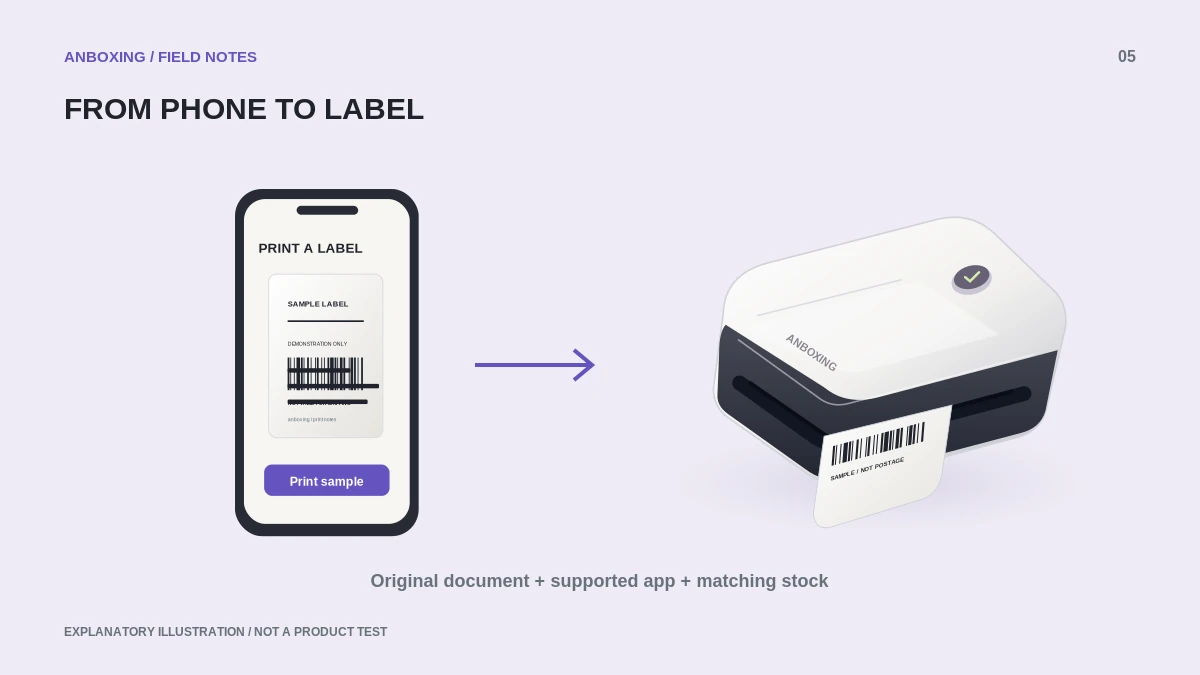
Route A: a compatible AirPrint printer
Apple says AirPrint requires a compatible printer using Wi-Fi or a wired network connection, with the device and printer on the same network. An app must expose a supported print action. A printer attached to a computer over USB is not automatically an AirPrint printer.
- Confirm AirPrint support in the exact printer model’s documentation.
- Connect through the manufacturer’s supported network setup.
- Open the original shipping PDF in an app that offers printing.
- Choose the printer, check available paper options and page count, and review the preview.
- Print one label and verify that no required content is cropped.
Route B: the manufacturer's printing app
For an app-based printer, follow its own pairing and import instructions. Save or share the original document into the supported app rather than taking a screenshot of the shipping screen. A screenshot may include interface borders or change the document’s resolution and proportions.
Before buying a printer for this route, confirm that its app can import the file type supplied by your platform. Also check whether it preserves the page dimensions and lets you choose your label stock. A claim of iPhone support is not a complete description of the workflow.
The file matters as much as the phone
Generate a label-printer document at the shipping platform where that option is supported. A full office page containing a small label does not become a native label document just because you send it to a small printer. Check the source format before adjusting scale.
| Preview clue | What to do |
|---|---|
| Large blank area around the label | Return to the platform’s document-format setting. |
| Sideways content with clipped edges | Check document orientation and the selected media size. |
| Several pages for one shipment | Identify label pages and required accompanying documents separately. |
| Address is visible but barcode is missing | Do not ship this output; resolve the crop or rendering problem. |
A repeatable mobile workflow
Our suggested routine is to keep one successful non-postage sample on your phone and write down the app used to print it. After an app or operating-system update, test that sample before a batch of paid labels. Compare the first order label to its order record before attaching it.
Mobile printing still needs a final human check. Confirm the destination, service, and package match. Reprinting an existing label is not the same as purchasing new postage, and a duplicate printed copy should not be used on another parcel.
Common questions
Why is my Bluetooth printer absent from the iPhone Print list?
The native Print list uses AirPrint-compatible destinations. Your model may instead require its own app; check the manufacturer’s documented route.
Should I print a screenshot of a shipping label?
Prefer the original platform-provided document. A screenshot can change resolution, crop required details, or introduce margins that make the output unsuitable.
Sources & scope
Source-based editorial guide. Official documentation checked September 6, 2026. No hands-on product testing is claimed. Interfaces and compatibility can change; use the current instructions for your exact model.
- Apple: print from iPhone or iPad with AirPrint
- MUNBYN: ITPP130B setup and troubleshooting
- Rollo: wireless first-use setup
Illustrations explain a workflow or concept and are not evidence of product testing. Read the label-printer editorial policy.