The printed label dimensions do not establish whether a roll fits. Check the core, full roll diameter, feed arrangement, and media specifications.
Two rolls can contain the same four-by-six labels and still fit different printers. A useful purchasing check separates the printable label from the liner and the physical roll that carries both.
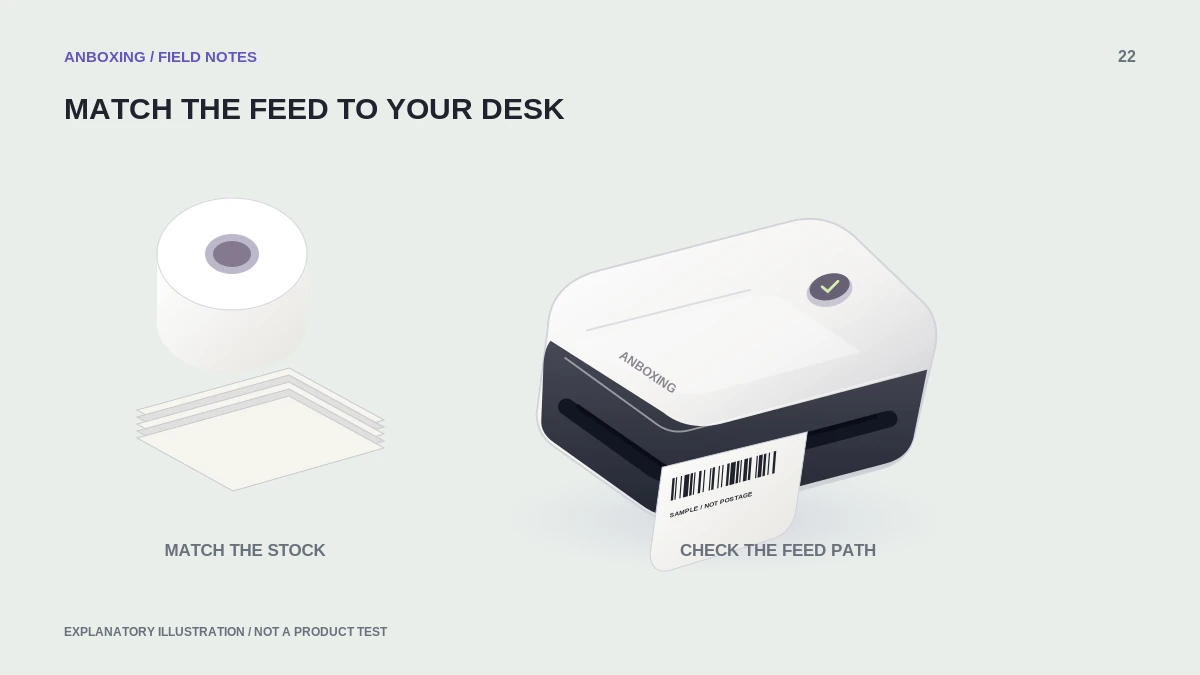
The dimensions worth recording
| Measurement | What it describes |
|---|---|
| Label width and length | The individual label you peel from the liner. |
| Liner or total media width | The full material that passes through the printer. |
| Core inside diameter | The opening that fits an approved holder or spindle. |
| Outside roll diameter | The size of a full roll before any labels are used. |
| Sensing features | Gap, black-mark, or other supported media construction. |
Consult the exact model’s specification rather than borrowing limits from a printer in the same brand. Zebra, for example, publishes separate media specifications for its ZQ610, ZQ620, and ZQ630 Plus family; the relevant limits are tied to hardware, not to the word thermal.
Zebra: ZQ610, ZQ620 and ZQ630 Plus media specifications
Check the complete loading path
- Determine whether your printer holds the roll internally or accepts stock from an external holder.
- Find the allowed media width and full-roll dimensions in the manual.
- Compare the supplier’s core and outside-diameter specifications with the approved holder.
- Confirm the required winding or print-side orientation and the sensing method.
- Allow an unobstructed path into and out of the printer, including space for the full external roll or fanfold stack.
- Test a sample feed and several distinct labels before buying a case.
Do not solve fit problems by force
A roll that fits only with the cover pressed down is not a successful compatibility test. Likewise, an oversized external roll that rubs the desk or pulls stock sideways can produce an unreliable setup even when its labels are the right dimensions.
Use a manufacturer-approved holder or documented external-feed arrangement where required. Do not trim the liner, alter the spindle, or remove sensing features to make unsuitable stock fit. Those changes add variables to both feeding and detection.
Build a reusable purchasing record
Record the printer model, holder, supplier stock code, label dimensions, liner width, core size, outside diameter, and sensing method. Save a photograph of the carton specification. Reordering by a precise stock code is less ambiguous than searching for cheap 4×6 labels again.
When comparing rolls with fanfold stock, include desk space and the incoming feed path in the decision. A roll count or price alone does not establish convenience. The right material is the one that fits the printer, feeds predictably, and suits the job you actually print.
Common questions
Is a 4 x 6 label enough information to order a roll?
No. It describes the individual label, not every roll and feed requirement.
Can I use an external holder to accept any roll?
No. Confirm the printer’s supported external-feed arrangement and media limits.
Sources & scope
Source-based editorial guide. Primary references checked September 9, 2026. Diagnostic sequences and comparisons are editorial guidance, not results of hands-on product tests. Confirm current instructions and compatibility for your exact model.