Use the label-printer format Etsy supports for your shipment and check the original document before printing. Do not assume every carrier or country exposes the same 4 x 6 option.
A thermal printer can be correctly installed while an Etsy document still prints at the wrong size. The two tasks need separate checks: first prove the printer with a sample, then confirm the shipment’s supported document format.
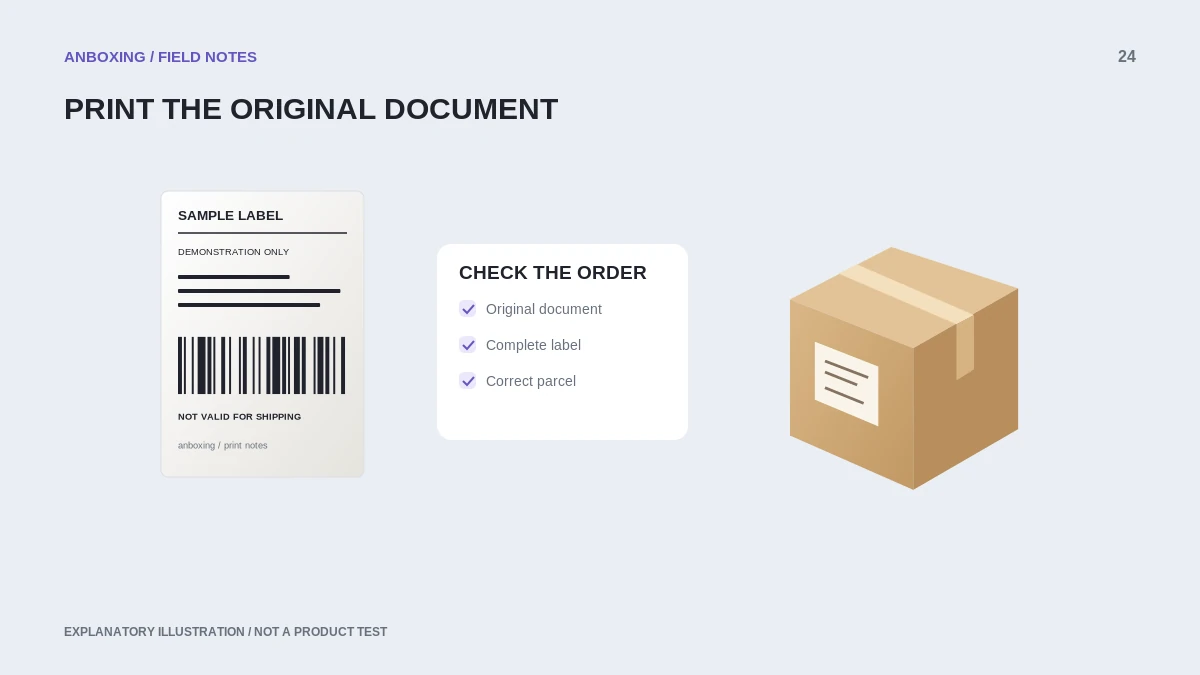
Check the scope of Etsy's format guidance
Etsy’s current help describes downloading labels from Shop Manager, selecting label-printer options, and using 4 x 6 paper where applicable. Its article places specific limits on the supported 4 x 6 workflow and names particular supported models. Check the current guidance and options for your carrier and location rather than assuming universal support.
A printer seller’s claim of Etsy compatibility does not replace that check. It may describe printing a downloaded file rather than a native integration with every Etsy shipping feature.
Prepare one order at a time first
- Open the correct order in Shop Manager and verify the shipment information.
- Use the available supported label-printer document option for that shipment.
- Download the original label document.
- Inspect its dimensions, page count, and complete content.
- Select your verified printer and media size in the supported app or PDF viewer.
- Print one copy and compare the recipient and service to the order.
- Keep any required accompanying pages separate and handle them according to the platform and carrier instructions.
Troubleshoot the preview, not only the printer
| Preview or output | What to investigate |
|---|---|
| Small label inside a full white page | Document format at the platform. |
| Upright label with a missing bottom edge | Media dimensions, scale, and clipping. |
| Sideways content | Source orientation and rotation in one print layer. |
| Blank output from all files | Media, loading, and the printer’s own test. |
Avoid recreating a shipping label in a design app to make it look better. Preserve the original carrier information and barcode proportions. A clean visual layout is not a reason to remove service or routing details.
Keep the shipment and label synchronized
Recheck the order if you change packaging or shipment details. A printed label is not automatically updated when you edit an order record. Use Etsy’s current workflow for any required changes rather than handwriting over or digitally modifying shipping information.
When recovering from a printing interruption, identify the last parcel whose label was positively checked. Do not assume the next sheet in the stack belongs to the next box. Pairing errors are a workflow problem even when print quality is perfect.
Save a repeatable workflow
Record the successful document option, printer queue, application, and paper size. Keep a non-sensitive sample for future testing. After changing apps, stock, or a driver, run the sample before printing a paid-label batch.
For troubleshooting photos, remove customer information. A diagram or manufacturer sample can often demonstrate clipping or scale more safely than a real buyer’s address.
Common questions
Will any 4 x 6 printer work with every Etsy label?
Do not assume that. Confirm both the printer’s document-printing support and Etsy’s current format options for the shipment.
Can I use ordinary paper instead?
Etsy documents supported paper-printing workflows too. Follow its current printing and attachment guidance for the selected shipment and paper type.
Sources & scope
Source-based editorial guide. Official documentation checked September 6, 2026. No hands-on product testing is claimed. Interfaces and compatibility can change; use the current instructions for your exact model.
Illustrations explain a workflow or concept and are not evidence of product testing. Read the label-printer editorial policy.